SecureVoIP Micro — Windows
Setup guide for the current Windows desktop app with Presence/BLF
About
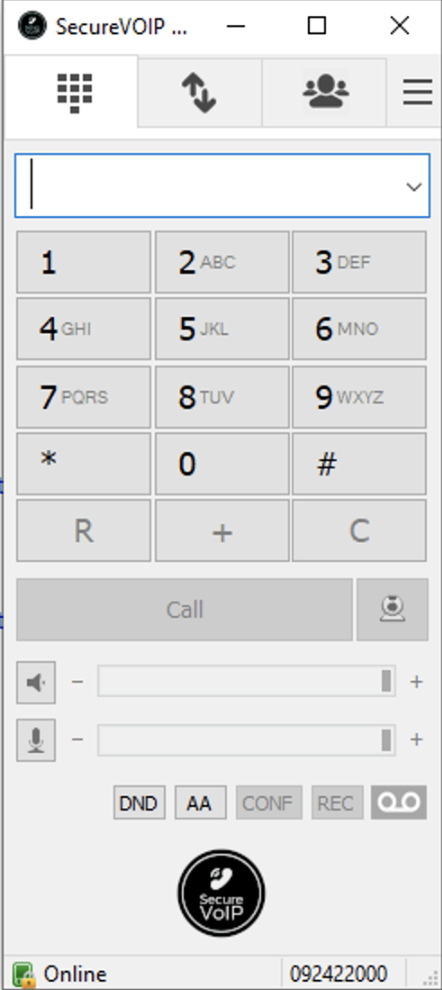
The Micro Edition softphone for Windows includes Presence/BLF support. It's free, pre-configured, and ready to go.
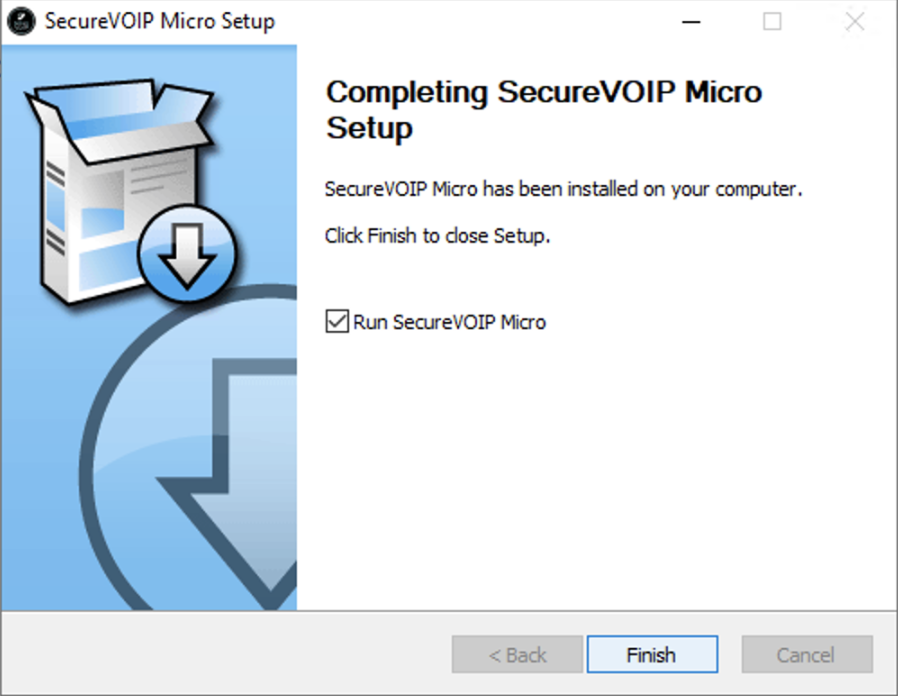
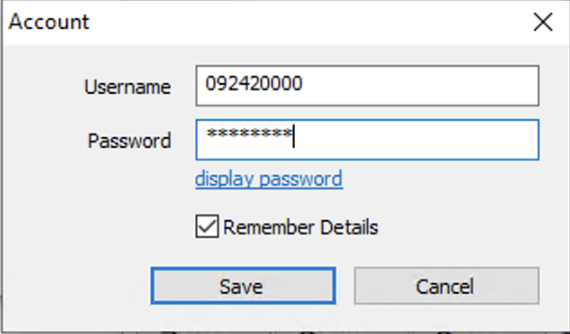
Installation
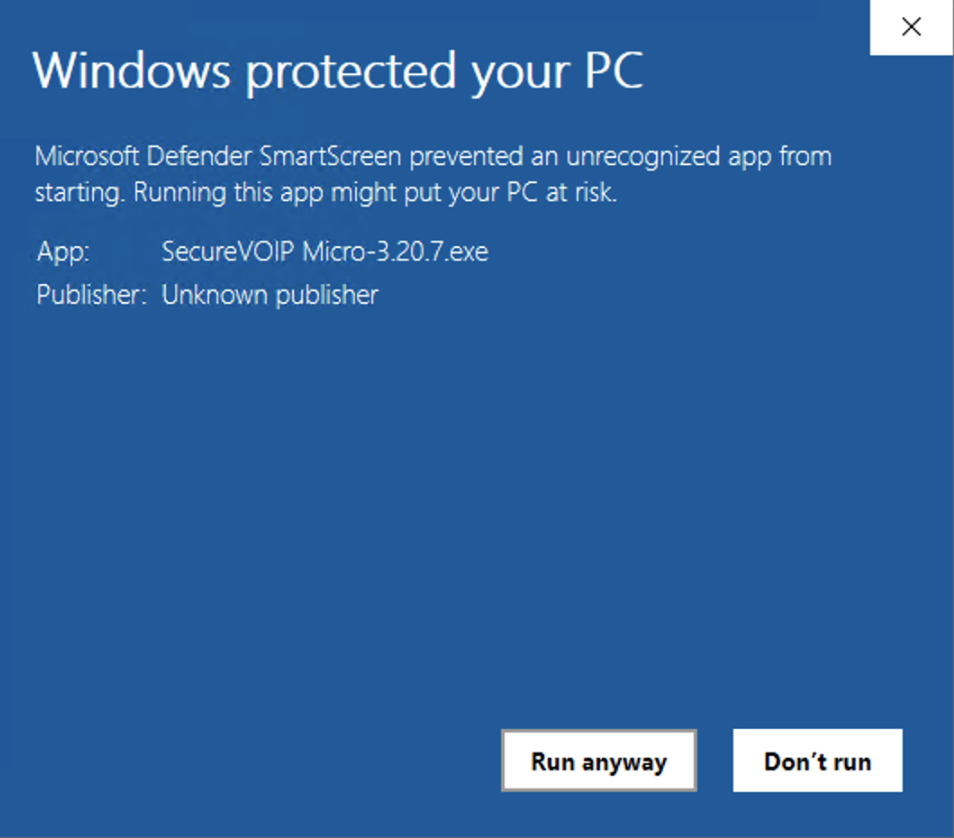
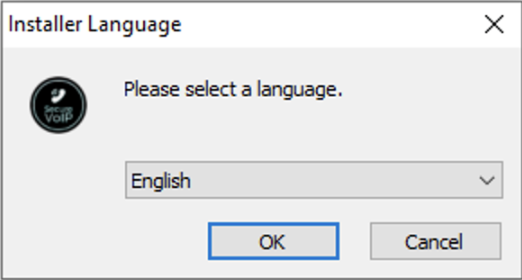
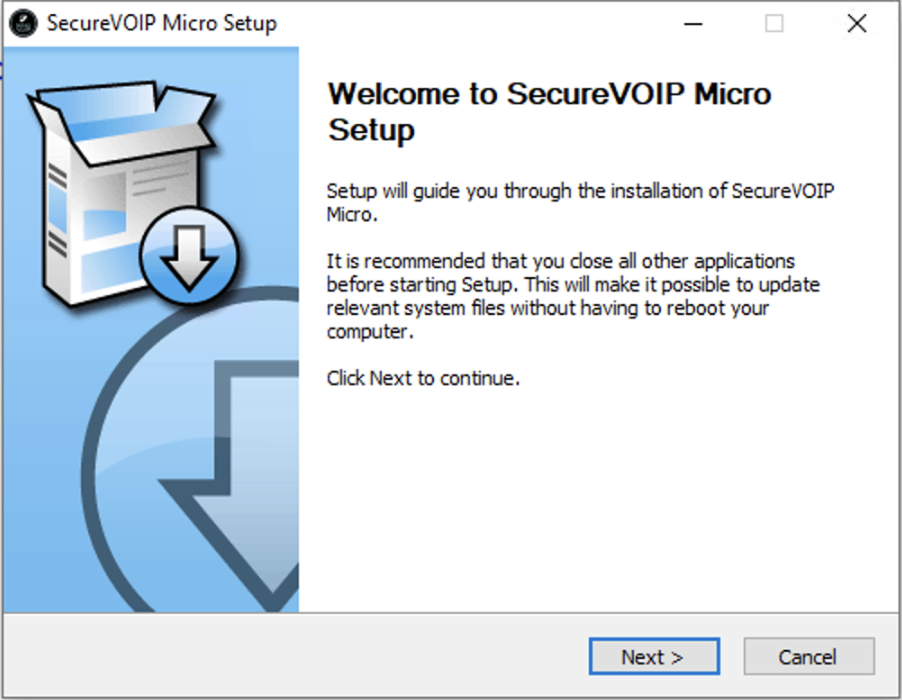
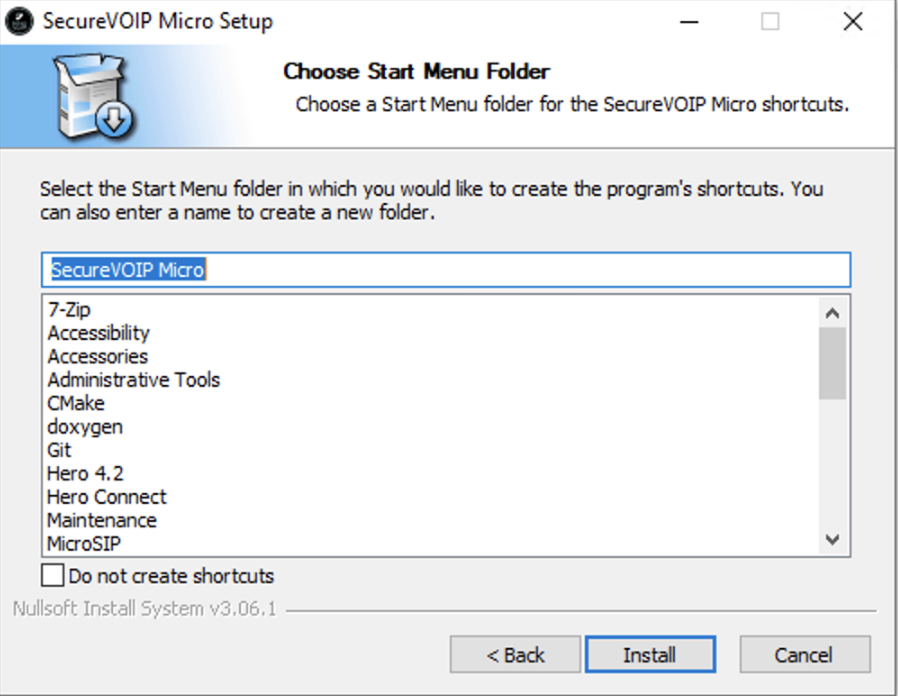
Contacts & Presence
Switch to the Contacts screen and right-click to add contacts.
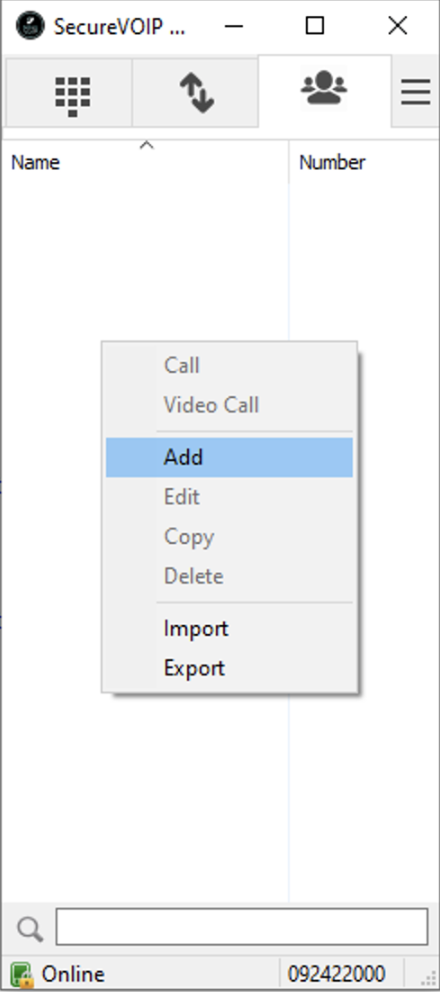
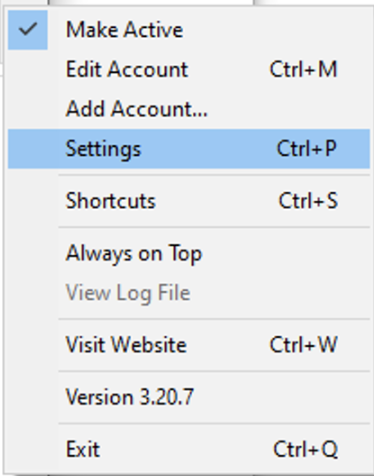
To sync contacts from your account, click the 3 horizontal lines (top right) → Settings. The latest version syncs automatically. Internal contacts will show live presence status.
Multi-Call & Transfers
To enable attended/blind transfers and handle multiple calls at once, go to Settings and untick "Single Call Mode".

Get In Touch
Contact H3llo.
Our phones are answered 24/7. Give us a call or fill out the form and we'll get back to you promptly.
Head Office
34 Howell Road, Paraparaumu Beach, Paraparaumu 5032
Business Hours
Mon–Fri 8am–5pm (Phones 24/7)